
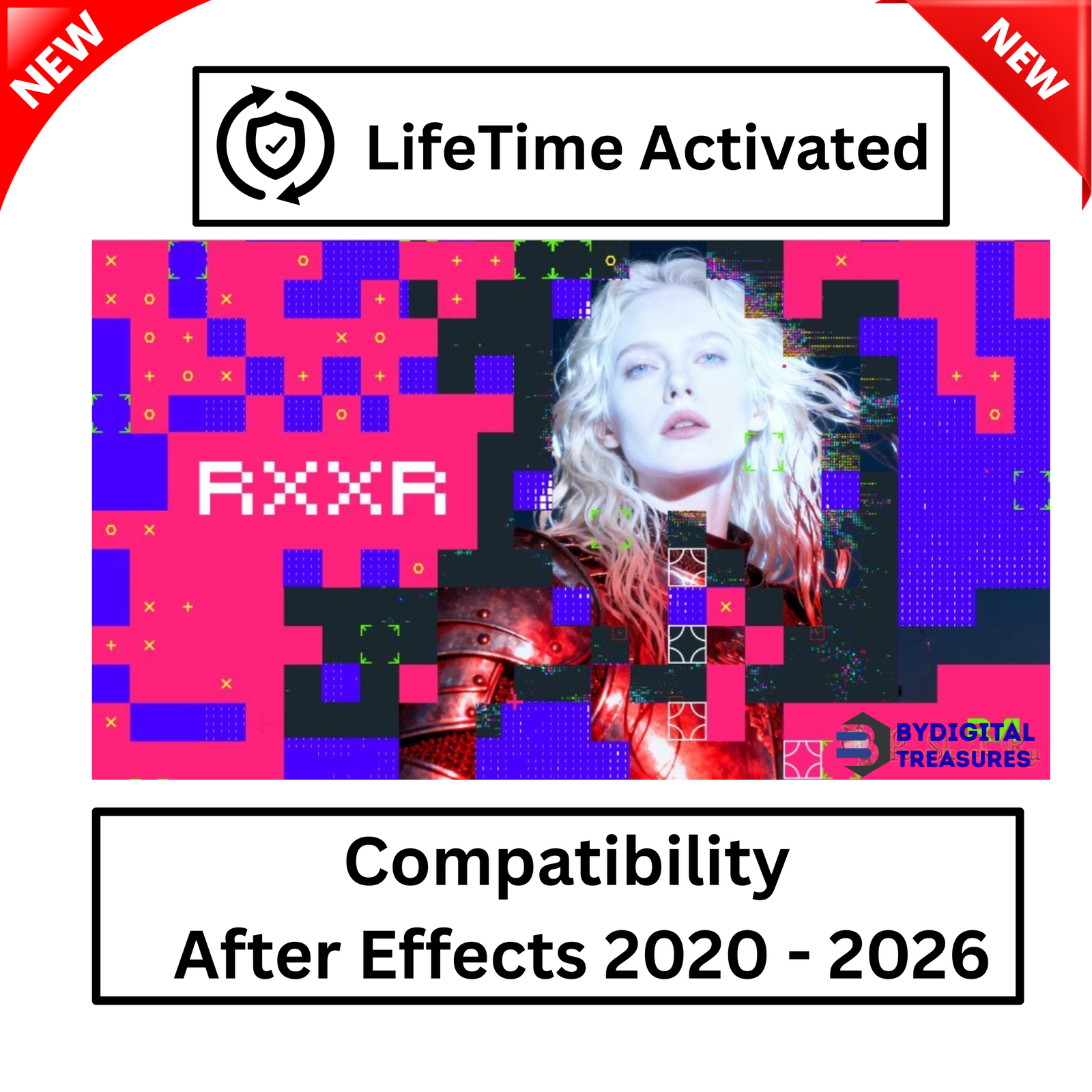

RXXR 1.0 — The Ultimate After Effects Plugin for ASCII and Glitch Effects
RXXR 1.0 is a powerful after effects plugin built for artists who demand total creative control. It generates stunning ASCII and pixel techno-glitch effects directly inside Adobe After Effects. No external software needed. No complex configuration required. Just pure, controllable visual chaos — on demand.
This after effects plugin gives you two complete creative systems in one tool. The ASCII system transforms any layer into stylized text-based art. The chaos system adds distortion, flicker, displacement, and chromatic aberration to your footage. Use each system alone or combine them for results that feel entirely original.
RXXR 1.0 is compatible with After Effects 2020 through 2026 and runs on Windows 10 and Windows 11 (x64). It ships as genuine setup files with lifetime activation — one payment, yours forever.
What is RXXR 1.0?
RXXR is a flexible generator of ASCII and pixel techno-glitch effects inside After Effects. It runs natively inside your composition as a standard plugin effect. No third-party launcher, no bridge app, no external renderer required.
The name says it exactly — raw, experimental, and deliberately disruptive. RXXR gives you visual tools that most motion designers either build from scratch or avoid because they are too complex. This plugin simplifies the process without reducing the output quality.
Whether you are building a music video treatment, a broadcast data display, a sci-fi UI animation, or a social media campaign with an edge — RXXR delivers the aesthetic fast. Every parameter is keyframeable. Every system is independent. Every look is yours to own.
RXXR 1.0 Key Features
- ASCII Effect Generator — Convert any footage or composition into detailed ASCII art with full character style control
- Pixel Techno-Glitch Engine — Apply raw pixel-based glitch effects with a single effect layer
- Style and Intensity Control — Choose how strong or subtle the ASCII look is — from barely there to full conversion
- Color Mixing System — Define custom palettes and blend colors within the ASCII output for unique visual results
- Distortion System — Bend and warp footage spatially for deep, surreal visual distortion effects
- Flicker System — Simulate analog signal loss, broadcast interference, or broken-screen aesthetics
- Displacement Mapping — Push pixel positions using map data for controlled or chaotic warp effects
- Chromatic Aberration — Split RGB channels independently for a high-quality lens-error or digital-corruption look
- After Effects 2020–2026 Compatible — Works across all major AE versions released in that range
- Windows 10 and 11 (x64) Support — Optimized for 64-bit Windows systems
Why Choose RXXR as Your After Effects Plugin for Glitch Work?
Most motion designers piece together glitch aesthetics from separate tools — noise layers, expression-driven displacement, manual chromatic aberration rigs. This takes time. Results vary between projects. Consistency is hard to maintain.
RXXR solves this. It packages ASCII generation, pixel distortion, flicker simulation, displacement, and chromatic aberration into a single native after effects plugin. One effect. One parameters panel. Full control over every system from one place.
This motion graphics tool saves hours across every project that uses it. Parameters are clearly organized. Changes reflect in real time in the After Effects preview. Keyframing any parameter is as simple as clicking the stopwatch — standard AE workflow, no custom scripting needed.
For artists building a consistent visual style, RXXR is particularly valuable. Once you find your preferred parameter settings, they are easy to save, duplicate, and apply across multiple compositions. Your glitch aesthetic becomes repeatable and brand-consistent without losing its raw energy.
The ASCII System — Adjustable, Detailed, Creative
The ASCII system in RXXR is built for artists, not just technicians. It does not simply convert brightness values to characters — it gives you real artistic control over the output style.
Choose from multiple character set styles. Adjust the density to control how many characters appear per unit of space. Use the intensity slider to fade between your original footage and the full ASCII conversion. This creates smooth, animated transitions between realistic and stylized looks without any expression work.
Color mixing controls let you assign custom colors to ASCII elements independently of the source footage. This allows you to build monochrome green terminal aesthetics, high-contrast white-on-black displays, neon multi-color outputs, and anything between. The ASCII system works with motion footage, still images, text layers, and nested compositions.
Common uses include animated title cards, logo reveals with ASCII build-on effects, broadcast lower thirds with data-display aesthetics, and music video sequences where footage deconstructs into text. The look is immediately distinctive. Audiences recognize it. It works.
The Chaos Systems — Distortion, Flicker, Displacement, Chromatic Aberration
The four chaos systems in RXXR each address a different aspect of visual disruption. They can be used independently or combined for layered effects.
The distortion system applies spatial warping to the layer. Control the direction, scale, and intensity of the warp to produce everything from subtle instability to aggressive fragmentation. The distortion animates smoothly when keyframed.
The flicker system introduces frame-by-frame variation in brightness, contrast, or visibility. The result mimics analog interference, CRT signal loss, or digital transmission errors. Adjust the frequency and depth of the flicker to match your specific aesthetic.
The displacement system uses map-based pixel shifting to push and pull pixel positions across the layer. This creates complex, flowing glitch patterns that feel organic rather than mechanical. Use your own displacement maps or work with built-in options.
The chromatic aberration system splits the red, green, and blue channels of your footage and offsets them independently. At low settings this creates a subtle lens-imperfection look. At high settings it fragments the image into aggressive, colorful glitch stripes. Both extremes are useful depending on the project tone.
Combining all four systems with the ASCII layer produces multi-layered effects that feel genuinely complex — the kind of results that used to require hours of manual compositing can now be built in minutes with RXXR as your core after effects plugin.
RXXR 1.0 System Requirements
- Host Application: Adobe After Effects 2020 — 2026
- Operating System: Windows 10 / Windows 11 (x64 only)
- Architecture: 64-bit systems only — 32-bit not supported
- RAM: 8GB minimum — 16GB recommended for smooth RAM preview with complex effects
- GPU: Dedicated GPU recommended — improves render and preview performance
- Storage: Approx. 200MB for plugin installation
Please note: RXXR 1.0 supports Windows only. Mac is not supported in this version. Ensure you are running a 64-bit version of Windows 10 or Windows 11 before purchasing.
Getting Started with RXXR 1.0
Setup takes minutes. After purchase, download the genuine setup files from your account under My Account → Downloads. Run the installer on your Windows machine. The plugin installs directly into After Effects and appears in your effects panel immediately.
No API keys. No online account activation. No internet connection during use. Open After Effects, select a layer, and apply RXXR from the Effects & Presets panel. Begin adjusting parameters right away.
The interface follows standard After Effects conventions. If you are comfortable working with native AE effects, you will feel at home with RXXR immediately. There is no separate application to learn. No custom UI to navigate. The plugin lives where you already work.
For first-time users of glitch tools, we recommend starting with a single system at a time. Apply the ASCII effect first. Understand the style and intensity controls. Then enable the distortion system and see how it interacts with the ASCII output. Build complexity gradually. RXXR rewards experimentation.
Who is RXXR 1.0 For?
RXXR is built for working creative professionals and serious motion design students who want a reliable, expressive after effects plugin for glitch and ASCII work.
- Motion Designers — Build glitch transitions, ASCII title animations, and techno-aesthetic motion graphics with speed
- VFX Artists — Use displacement and chromatic aberration for complex composite and screen-replacement work
- Music Video Editors — Create the raw digital chaos aesthetic that electronic, industrial, and experimental genres demand
- Broadcast Designers — Build data displays, news tickers, and technical UI overlays using ASCII effects
- Social Media Creators — Produce high-impact reels, short-form ads, and branded content with a unique visual signature
- Game Cinematic Artists — Create pre-rendered cutscenes with stylized pixel and glitch aesthetics that complement game UI
- Creative Directors — Develop new visual languages for campaigns that need to stand apart from generic motion templates
Related Motion Graphics Tools and After Effects Plugins at ByDigitalTreasures
If you create motion graphics and work in After Effects regularly, these related products may also interest you. All are available with genuine lifetime activation from ByDigitalTreasures:
- Related After Effects Plugin 1 — More creative tools for professional motion graphics workflows
- Related After Effects Plugin 2 — VFX and video editing software for Windows
- Related Video Editing Software — Professional post-production tools for creative teams
- Related Motion Graphics Pack — Ready-made motion assets and presets for After Effects
- Related Design and VFX Tool — More digital tools for video professionals
Guides and Resources for After Effects Glitch Work
These official guides and trusted educational resources will help you deepen your knowledge of After Effects plugins and glitch motion design:
- Adobe After Effects — Official Product Page — Learn about the full After Effects feature set and the latest version updates
- Adobe After Effects User Guide — Official documentation for effects, plugin installation, and compositing workflows
- Video Copilot — After Effects Tutorials — Industry-standard VFX and motion graphics tutorials from one of the most respected After Effects educators
- School of Motion — Motion Design Blog — Expert guides on motion graphics, visual effects, and After Effects plugin techniques
- Adobe After Effects — Wikipedia — Educational overview of After Effects history, capabilities, and plugin ecosystem
- RXXR 1.0 Official Promo Video on YouTube — Watch RXXR in action with real-world demonstrations of ASCII and glitch effects
Frequently Asked Questions — RXXR 1.0 After Effects Plugin
Q1: What is the best glitch effect plugin for After Effects?
RXXR 1.0 is one of the most complete glitch effect plugins available for After Effects. It combines an ASCII generator, pixel distortion engine, flicker system, displacement mapping, and chromatic aberration in one native plugin — no stacking separate tools required. Unlike basic glitch presets, RXXR gives you full parameter control over every system. Every value is keyframeable. Every effect is blendable. This makes it one of the most flexible after effects plugins for building original, controllable glitch and techno-aesthetic motion design work, from subtle signal-loss looks to full digital chaos compositions.
Q2: How do I create ASCII effects in After Effects using RXXR?
Creating ASCII effects with RXXR is fast and intuitive. After installing the plugin, open After Effects and apply RXXR to any layer from the Effects & Presets panel. Navigate to the ASCII system controls inside the effect. Select your preferred character style using the style selector. Adjust the density to control how many characters fill the frame. Use the intensity slider to blend between your original footage and the full ASCII conversion. Then use the color mixing controls to define your color palette. All parameters support keyframing, so you can animate ASCII builds, fades, and transitions across your timeline with complete precision.
Q3: Can I get an After Effects glitch plugin with no subscription fee?
Yes. RXXR 1.0 at ByDigitalTreasures is available with genuine lifetime activation and no subscription fee. You pay once and own the plugin permanently. There are no renewal charges, no monthly billing cycles, and no expiry dates on your access. After purchase, genuine setup files are delivered instantly to your account. Install on your Windows system and start working immediately. This is a complete version with all features fully active from the first day — nothing held behind a premium tier or subscription wall. One-time payment, lifetime access, full functionality.
Q4: How long does delivery take?
Delivery is instant. As soon as your payment is confirmed, your setup files become available in your account under My Account → Downloads. No waiting period. No manual processing by our team. The delivery system is fully automated, so you can download and begin installing RXXR within minutes of completing your purchase — at any time of day or night. If you experience any difficulty accessing your download after payment, contact our support team immediately via Telegram at t.me/ByDigitalTreasuresHelp and we will resolve it promptly.
Q5: Which OS versions and After Effects versions are compatible with RXXR 1.0?
RXXR 1.0 requires Windows 10 or Windows 11 running on a 64-bit (x64) system. It is compatible with Adobe After Effects versions 2020 through 2026, covering all major releases in that range. Mac OS is not supported in this version of RXXR. Before purchasing, confirm that your computer meets the 64-bit Windows requirement and that you are running a supported After Effects version. If you are unsure which AE version you have, check Help → About After Effects inside the application to confirm your version number.
Q6: What is your refund policy?
Our full refund policy is detailed at bydigitaltreasures.in/refund-policy. We personally test every product before listing it in our store, and we stand behind the quality of each one. If you experience a technical issue with your setup files or cannot get the plugin working after following the installation steps, please contact us first. Our support team resolves most technical issues quickly. For formal refund requests, refer to our policy page for eligibility conditions and the submission process. We aim to make every purchase a positive experience.
Q7: How do I get support for RXXR 1.0?
Our primary support channel is Telegram at t.me/ByDigitalTreasuresHelp — this is where we respond fastest. We also accept support queries via WhatsApp and email. When reaching out, include your order number, a description of the problem, and any relevant screenshots or screen recordings. This helps our team diagnose and resolve installation or compatibility issues more quickly. We are knowledgeable about every product we stock and committed to ensuring RXXR works correctly on your system. Most issues are resolved within a few hours of first contact.
Q8: Is this a genuine version of RXXR 1.0?
Yes. Every product at ByDigitalTreasures is personally tested by our team before it is listed in the store. This is not a trial version. It is a complete lifetime version of RXXR 1.0 with full functionality active from the very first day of use. Genuine lifetime-activated setup files only — all ASCII, distortion, flicker, displacement, and chromatic aberration systems are fully accessible with no restrictions or time limits. 100% working, guaranteed. We serve customers in 28+ countries and carry 360+ verified sales on Etsy with a 4.5-star rating. We stand behind every product we sell.
Digital delivery only — no physical disc or box included.
✅ Genuine Lifetime Activation — No monthly fees
✅ Works on Multiple Devices
✅ 24/7 Support via Telegram: t.me/ByDigitalTreasuresHelp
⚡ Instant Digital Delivery: Setup files in My Account → Downloads after payment
💳 One-time payment — own it forever, no subscriptions
Trusted by customers in 28+ countries | 360+ verified Etsy sales | 4.5★ rated
Website: https://bydigitaltreasures.in/
Reviews
There are no reviews yet.