
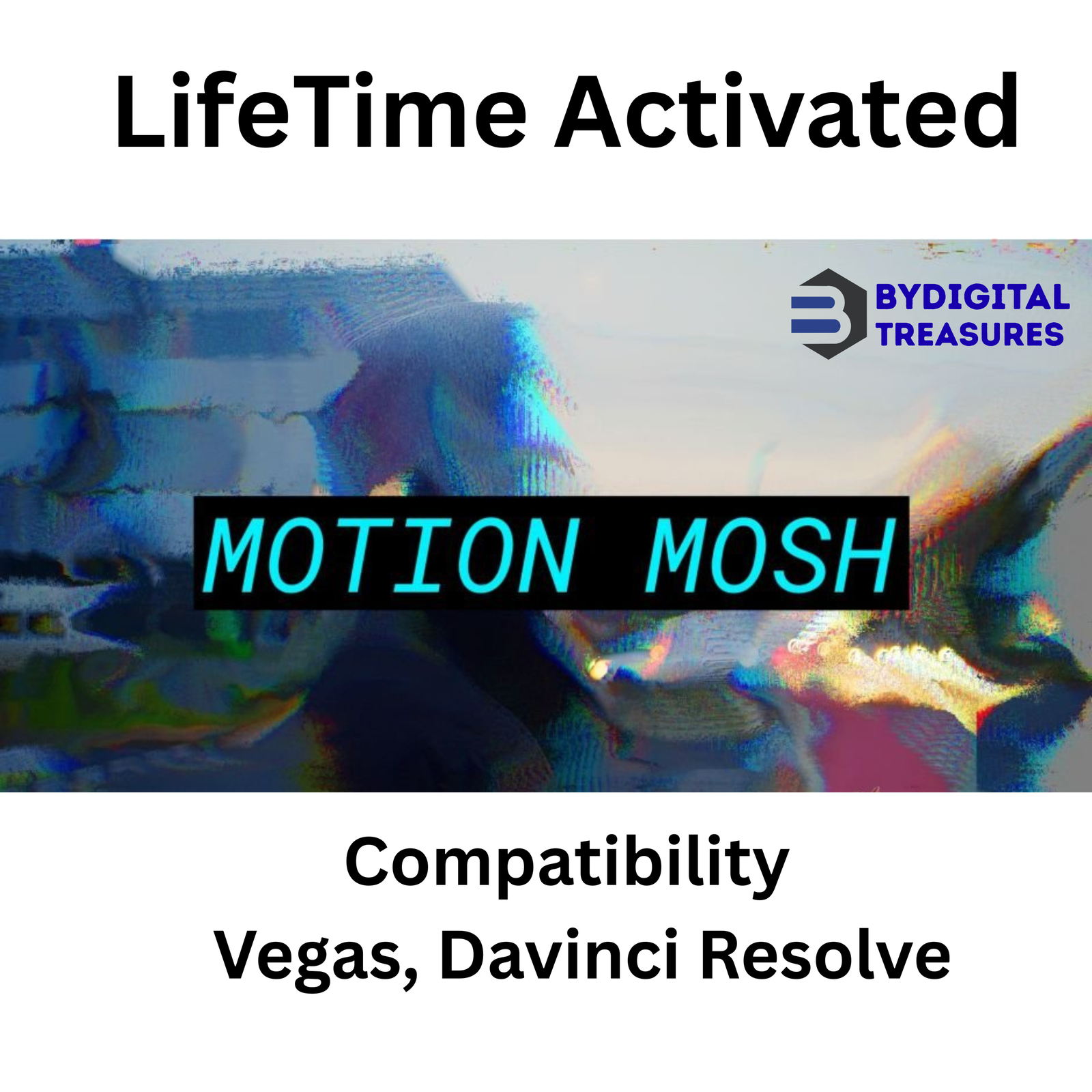
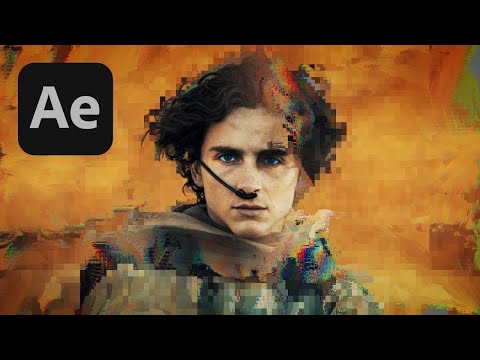
Motion Mosh 1.3.2 (OFX): Real-Time GPU Glitch for Vegas & Davinci Resolve
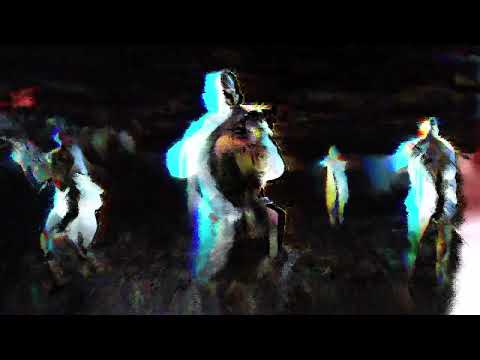
Motion Mosh 1.3.2 is a powerful OFX plugin that creates stunning glitch effects. It uses GPU acceleration for real-time rendering. The plugin produces results similar to Datamosh methods. But you never need to export or leave your timeline. This makes glitch art fast and interactive.
This motion graphics tool works instantly inside Vegas Pro and Davinci Resolve. You can see every change immediately. Keyframe animations respond in real time. No waiting for preview renders. This guide covers every feature of this essential glitch effect plugin for video editors.

What is Motion Mosh 1.3.2 (OFX)?
Motion Mosh is a professional glitch plugin built for OFX-compatible hosts. It creates the Datamosh effect without complex workflows. The GPU-accelerated plugin renders everything in real time. You see results as you adjust parameters. This makes creative exploration much faster.
Traditional Datamosh requires rendering and file exporting. Motion Mosh removes these steps completely. The effect lives inside your timeline. You can stack other effects before or after it. This opens new creative possibilities for motion designers.
The plugin works as a great team player. Apply effects before Motion Mosh to unleash its full potential. For example, add a Mosaic effect first. Increase pixelation over time. Then apply Motion Mosh for a unique glitch look. The combinations are endless.
Motion Mosh 1.3.2 (OFX) Key Features
This version includes powerful GPU acceleration and real-time feedback. The development team focused on speed and creative control. Here are the main capabilities you will use every day.
1. Real-Time GPU Rendering
Motion Mosh offers a truly interactive experience. The GPU-accelerated plugin responds instantly. You can create a Datamosh effect in real time. See the result immediately without any waiting. Everything animates smoothly using keyframes. This makes it a premier video editing software tool for glitch artists.
2. No Export Required
Traditional Datamosh needs file exporting and re-importing. Motion Mosh removes this bottleneck. The effect applies directly to your clips. You stay inside Vegas Pro or Davinci Resolve. This saves significant time on every project.
3. Full Keyframe Animation Support
All parameters support keyframe animation. You can animate glitch intensity over time. Create build-ups and drops. Match glitch effects to music beats. The real-time rendering makes keyframe adjustments instant. No more guesswork with slow previews.
4. Stackable Effects Workflow
Motion Mosh plays well with other effects. Apply any OFX effect before it. The Mosaic effect works especially well. Stacking creates unique, complex glitch looks. You can also apply effects after Motion Mosh. This flexibility sets it apart from other motion graphics tools.
5. Compatible with Vegas Pro and Davinci Resolve
This glitch effect plugin works in both applications. Use it in Davinci Resolve for color grading workflows. Use it in Vegas Pro for quick video edits. The same parameters work identically in both hosts. This consistency saves learning time.
6. Datamosh Style Without Compression Artifacts
Traditional Datamosh relies on video compression tricks. Motion Mosh creates similar visuals cleanly. You get the glitch aesthetic without quality loss. The effect remains editable at all times. This is perfect for professional delivery standards.
7. Interactive Creative Exploration
Real-time feedback changes how you work. You can try many settings quickly. See what looks best for your scene. This interactive workflow encourages experimentation. Find unique glitch styles you never expected.
8. Lightweight and Fast Performance
The plugin uses efficient GPU code. It adds minimal overhead to your projects. You can use multiple instances across many clips. The real-time performance remains smooth. This makes it practical for complex timelines.
Why Choose This Genuine Motion Mosh Setup?
Choosing the right OFX plugin impacts your entire workflow. A slow or limited tool slows you down. This genuine setup of Motion Mosh 1.3.2 provides stability and speed. We personally test every file before listing. You get a complete lifetime version with no trial limitations.
This is not a trial version. It is a complete lifetime version. All features are unlocked from day one. There are no watermarks, time limits, or disabled functions. You can use it for commercial projects immediately. This is the full professional tool that glitch artists rely on worldwide.
The setup files are clean and safe. We scan everything for malware and viruses. Installation is straightforward. The plugin integrates seamlessly with OFX hosts. It works on Windows 10 and 11 (x64) systems. You get instant digital delivery after purchase.
Additionally for 4K Workflows and Long Timelines
Motion Mosh performs efficiently even with complex projects. The GPU acceleration handles 4K resolution well. Multiple effect instances remain responsive. For very long timelines, consider these tips. Use adjustment clips to apply the effect globally. Pre-render background layers if needed. The plugin’s real-time nature helps you find the right balance. Davinci Resolve users will appreciate the smooth playback. Vegas Pro users get the same responsive experience.
System Requirements for Motion Mosh 1.3.2 (OFX)
Verify your system meets these requirements before purchase. This ensures smooth operation and optimal performance.
- Compatibility: Vegas Pro (all OFX-compatible versions)
- Compatibility: Davinci Resolve (all OFX-compatible versions)
- Operating System: Windows 10 (64-bit) or Windows 11 (64-bit)
- GPU Requirement: DirectX 11 or higher compatible graphics card
- RAM: 8GB minimum, 16GB recommended for 4K work
- Interface Language: English
- Format: OFX (Open Effects) standard plugin
Getting Started with Motion Mosh 1.3.2 (OFX)
Creating glitch effects takes just seconds with this workflow. Here is how it works step by step.
First, install the plugin using the provided setup files. The installer will place the OFX files in the correct directory. Restart Vegas Pro or Davinci Resolve after installation. The plugin will appear in your effects panel.
Second, select a video clip in your timeline. Go to the Effects panel and find Motion Mosh. Drag it onto your clip. The effect applies instantly with default settings.
Third, adjust the parameters to create your glitch look. The real-time preview shows every change immediately. Add keyframes to animate the effect over time. Try stacking other effects before Motion Mosh for unique results.
Fourth, review and export your timeline. The glitch effect renders with your final output. No extra steps or transcoding needed. Your project stays organized and efficient.
Who Is Motion Mosh 1.3.2 (OFX) For?
This glitch effect plugin serves many types of creators. Music video producers create dynamic visual glitches. Colorists add edge to their Davinci Resolve grades. Social media content creators stand out from the crowd. Vegas Pro editors make trendy effects quickly. Commercial editors add flair to client work. YouTube creators make engaging transitions and intros.
Anyone who wants unique visual effects will benefit. The real-time workflow makes experimentation fun. The professional results meet broadcast standards. This is not just a novelty effect. It is a serious tool for modern video production.
Internal Related Products
Enhance your video editing workflow with these trusted tools from our store.
- Davinci Resolve Script Bundle — Automation Tools
- Vegas Pro Effects Pack — 500+ Presets
- 4K Transition Pack for Video Editors
- Glitch Texture Overlays — 200+ Assets
- Motion Graphics Templates Bundle for Resolve
Guides & Resources for Motion Mosh
Learn more about glitch effects and OFX plugins. These external resources provide additional tutorials and documentation.
- Official Motion Mosh OFX Developer Website
- Davinci Resolve Official Reference Manual
- Vegas Pro Official Support Center
- YouTube Tutorial: Glitch Effects in Davinci Resolve
- Wikipedia: Glitch Art History and Techniques
- OFX Open Effects Standard Documentation
Frequently Asked Questions (FAQs)
Q1: What is the best glitch plugin for davinci resolve?
Motion Mosh 1.3.2 is widely considered the best glitch plugin for davinci resolve. It creates authentic Datamosh-style effects in real time. The GPU acceleration makes previews instant and smooth. Unlike other plugins, you never need to export or transcode files. The effect works natively inside your color timeline. Professional editors prefer it for music videos and commercial work. The real-time workflow saves hours of rendering time. It follows the OFX standard for maximum compatibility.
Q2: How to make datamosh effect in vegas pro easily?
Making a datamosh effect in Vegas Pro is easy with Motion Mosh. First, install the OFX plugin and restart Vegas Pro. Second, select your video clip on the timeline. Third, find Motion Mosh in the Video FX window. Apply it to your clip. The effect appears instantly with default settings. Adjust parameters to control the glitch intensity. Add keyframes to animate the effect over time. Traditional Datamosh takes many steps and exports. Motion Mosh does it in seconds with real-time feedback.
Q3: Is there a real time glitch effect for video editing on Windows?
Yes, Motion Mosh 1.3.2 provides real time glitch effects for video editing on Windows. The GPU-accelerated OFX plugin works in Vegas Pro and Davinci Resolve. You can apply it to any video clip on your timeline. All parameters support keyframe animation. The real-time preview shows changes immediately. This makes it perfect for quick video edits and social media content. No rendering or exporting is required. The effect stays fully editable until your final export. Your workflow remains smooth and efficient.
Q4: How long does delivery take for this product?
Delivery is instant after payment confirmation. You will find the genuine setup files in your My Account → Downloads section. There is no waiting period or manual approval process. The system automatically provides access as soon as the transaction is complete. You can download the OFX plugin immediately and start creating glitch effects. We also send a confirmation email with download links. If you face any issues, contact us on Telegram for immediate help.
Q5: Which operating systems and host applications are compatible?
Motion Mosh 1.3.2 works on Windows 10 (64-bit) and Windows 11 (64-bit) systems. It is compatible with all OFX-compatible versions of Vegas Pro. It is also compatible with all OFX-compatible versions of Davinci Resolve. This includes Free and Studio versions of Resolve. The plugin requires a GPU with DirectX 11 or higher. Your system should have 8GB RAM minimum. For 4K work, 16GB RAM is recommended for best performance. The plugin follows the Open Effects standard.
Q6: What is your refund policy for digital products?
Please see our complete refund policy at bydigitaltreasures.in/refund-policy for full details. Digital products are generally non-refundable due to their instant delivery nature. However, we handle each request on a case-by-case basis. If you experience technical issues, contact us first. Our support team will help resolve any problem. We stand behind every product we sell. Your satisfaction is our priority.
Q7: How do I get support for this OFX plugin?
Contact us directly via Telegram at t.me/ByDigitalTreasuresHelp for fast support. We also respond to WhatsApp messages and email inquiries. Our team typically replies within a few hours. We can help with installation questions, compatibility issues, or general guidance. All our products are personally tested before listing. So we know them inside and out. Do not hesitate to reach out with any question about your OFX workflow.
Q8: Is this genuine Motion Mosh 1.3.2 software?
Yes, this is the genuine Motion Mosh 1.3.2 OFX setup. Every product is personally tested by our team before listing. This is not a trial version. It is a complete lifetime version with full functionality from day one. We provide genuine lifetime-activated setup files only. There are no watermarks, time limits, or disabled features. 100% working guaranteed. We stand behind every product we sell. You get the full professional tool that glitch artists trust worldwide for Vegas and Resolve.
Digital delivery only — no physical disc or box is included.
✅ Genuine Lifetime Activation — No monthly fees
✅ Works on Multiple Devices
✅ 24/7 Support via Telegram: t.me/ByDigitalTreasuresHelp
⚡ Instant Digital Delivery: Setup files in My Account → Downloads after payment
💳 One-time payment — own it forever, no subscriptions
Trusted by customers in 28+ countries | 360+ verified Etsy sales | 4.5★ rated
Website: https://bydigitaltreasures.in/
Reviews
There are no reviews yet.