
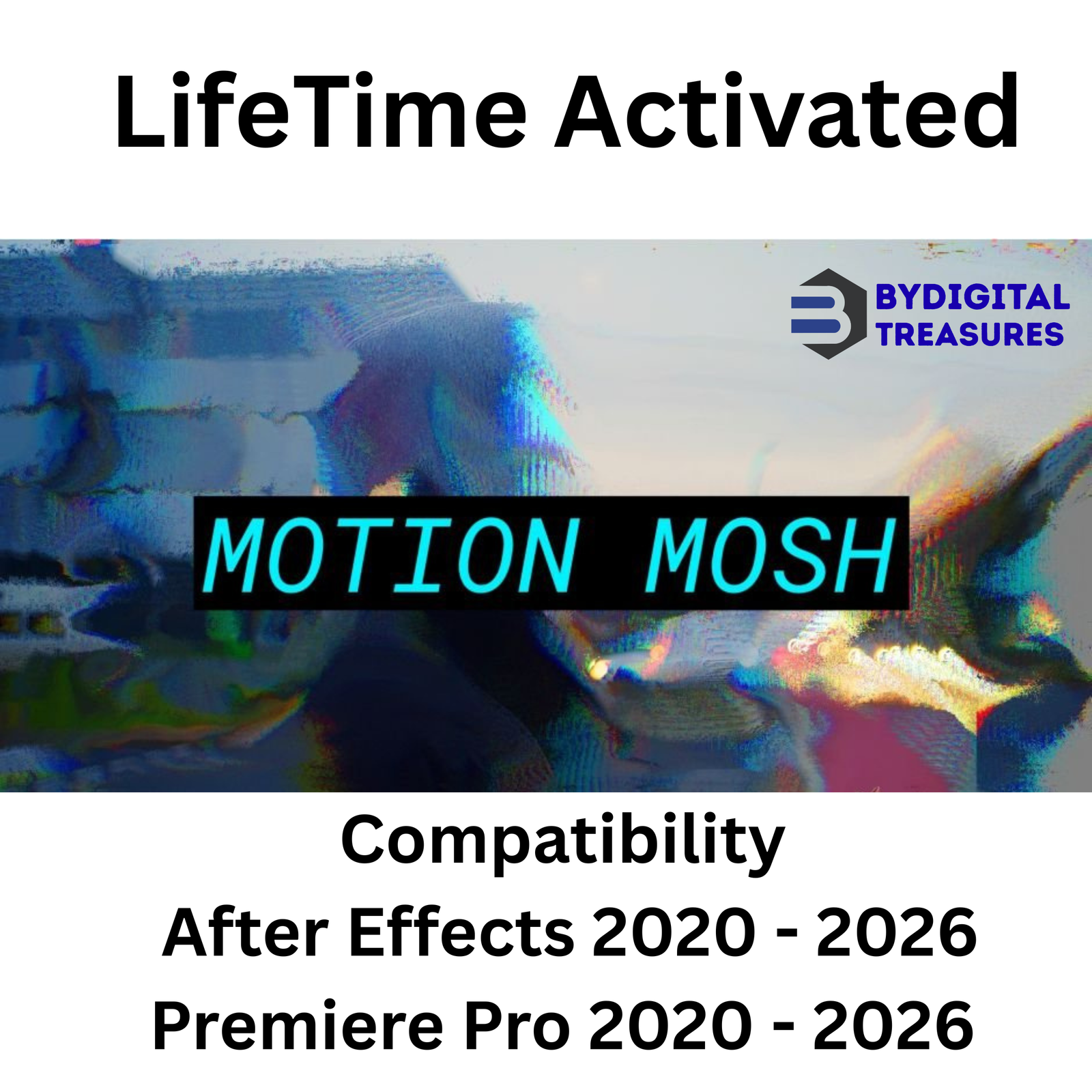

Motion Mosh 1.3.2: Real-Time GPU Glitch Plugin for After Effects & Premiere Pro
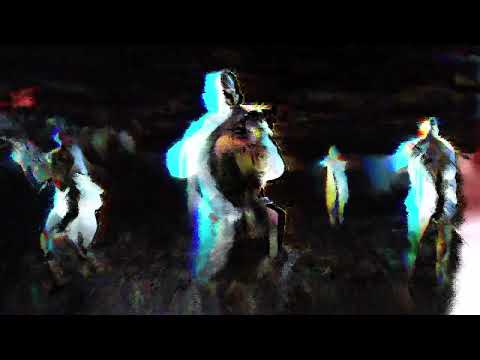
Motion Mosh 1.3.2 is a powerful after effects plugin that creates stunning glitch effects. It uses GPU acceleration for real-time rendering. The plugin produces results similar to Datamosh methods. But you never need to export or leave your timeline. This makes glitch art fast and interactive.
This motion graphics tool works instantly inside After Effects and Premiere Pro. You can see every change immediately. Keyframe animations respond in real time. No waiting for preview renders. This guide covers every feature of this essential glitch effect plugin for video editors.

What is Motion Mosh 1.3.2?
Motion Mosh is a professional glitch plugin built for Adobe video apps. It creates the Datamosh effect without complex workflows. The GPU-accelerated plugin renders everything in real time. You see results as you adjust parameters. This makes creative exploration much faster.
Traditional Datamosh requires rendering and file exporting. Motion Mosh removes these steps completely. The effect lives inside your composition. You can stack other effects before or after it. This opens new creative possibilities for motion designers.
The plugin works as a great team player. Overlay effects from After Effects before Motion Mosh. For example, add a Mosaic effect first. Increase pixelation over time. Then apply Motion Mosh for a unique glitch look. The combinations are endless.
Motion Mosh 1.3.2 Key Features
This version includes powerful GPU acceleration and real-time feedback. The development team focused on speed and creative control. Here are the main capabilities you will use every day.
1. Real-Time GPU Rendering
Motion Mosh offers a truly interactive experience. The GPU-accelerated plugin responds instantly. You can create a Datamosh effect in real time. See the result immediately without any waiting. Everything animates smoothly using keyframes. This makes it a premier video editing software tool for glitch artists.
2. No Export Required
Traditional Datamosh needs file exporting and re-importing. Motion Mosh removes this bottleneck. The effect applies directly to your layers. You stay inside After Effects or Premiere Pro. This saves significant time on every project.
3. Full Keyframe Animation Support
All parameters support keyframe animation. You can animate glitch intensity over time. Create build-ups and drops. Match glitch effects to music beats. The real-time rendering makes keyframe adjustments instant. No more guesswork with slow previews.
4. Stackable Effects Workflow
Motion Mosh plays well with other effects. Apply any After Effects effect before it. The Mosaic effect works especially well. Stacking creates unique, complex glitch looks. You can also apply effects after Motion Mosh. This flexibility sets it apart from other motion graphics tools.
5. Compatible with After Effects and Premiere Pro
This glitch effect plugin works in both applications. Use it in After Effects for complex compositions. Use it in Premiere Pro for quick video edits. The same parameters work identically in both hosts. This consistency saves learning time.
6. Datamosh Style Without Compression Artifacts
Traditional Datamosh relies on video compression tricks. Motion Mosh creates similar visuals cleanly. You get the glitch aesthetic without quality loss. The effect remains editable at all times. This is perfect for professional delivery standards.
7. Interactive Creative Exploration
Real-time feedback changes how you work. You can try many settings quickly. See what looks best for your scene. This interactive workflow encourages experimentation. Find unique glitch styles you never expected.
8. Lightweight and Fast Performance
The plugin uses efficient GPU code. It adds minimal overhead to your projects. You can use multiple instances across many layers. The real-time performance remains smooth. This makes it practical for complex scenes.
Why Choose This Genuine Motion Mosh Setup?
Choosing the right after effects plugin impacts your entire workflow. A slow or limited tool slows you down. This genuine setup of Motion Mosh 1.3.2 provides stability and speed. We personally test every file before listing. You get a complete lifetime version with no trial limitations.
This is not a trial version. It is a complete lifetime version. All features are unlocked from day one. There are no watermarks, time limits, or disabled functions. You can use it for commercial projects immediately. This is the full professional tool that glitch artists rely on worldwide.
The setup files are clean and safe. We scan everything for malware and viruses. Installation is straightforward. The plugin integrates seamlessly with After Effects 2020 through 2026. It also works with Premiere Pro 2020 through 2026. The system requires Windows 10 or 11 (x64). You get instant digital delivery after purchase.
Additionally for Complex Compositions and Long Timeline
Motion Mosh performs efficiently even with complex projects. The GPU acceleration handles 4K resolution well. Multiple effect instances remain responsive. For very long timelines, consider these tips. Use adjustment layers to apply the effect globally. Pre-render background layers if needed. The plugin’s real-time nature helps you find the right balance.
System Requirements for Motion Mosh 1.3.2
Verify your system meets these requirements before purchase. This ensures smooth operation and optimal performance.
- Compatibility: After Effects 2020, 2021, 2022, 2023, 2024, 2025, 2026
- Compatibility: Premiere Pro 2020, 2021, 2022, 2023, 2024, 2025, 2026
- Operating System: Windows 10 (64-bit) or Windows 11 (64-bit)
- GPU Requirement: DirectX 11 or higher compatible graphics card
- RAM: 8GB minimum, 16GB recommended for 4K work
- Interface Language: English
Getting Started with Motion Mosh 1.3.2
Creating glitch effects takes just seconds with this workflow. Here is how it works step by step.
First, install the plugin using the provided setup files. Restart After Effects or Premiere Pro after installation. The plugin will appear in your effects panel.
Second, select a video layer in your timeline. Go to the Effects panel and find Motion Mosh. Drag it onto your layer. The effect applies instantly with default settings.
Third, adjust the parameters to create your glitch look. The real-time preview shows every change immediately. Add keyframes to animate the effect over time. Try stacking other effects before Motion Mosh for unique results.
Fourth, review and export your composition. The glitch effect renders with your final output. No extra steps or transcoding needed. Your project stays organized and efficient.
Who Is Motion Mosh 1.3.2 For?
This glitch effect plugin serves many types of creators. Music video producers create dynamic visual glitches. Motion designers add edge to their animations. Social media content creators stand out from the crowd. VJs and live visual artists get real-time performance. Commercial editors add trendy effects quickly. YouTube creators make engaging transitions and intros.
Anyone who wants unique visual effects will benefit. The real-time workflow makes experimentation fun. The professional results meet broadcast standards. This is not just a novelty effect. It is a serious tool for modern video production.
Internal Related Products
Enhance your video editing workflow with these trusted tools from our store.
- After Effects Script Bundle — Automation Tools
- Motion Factory Pro — 5000+ Motion Graphics Presets
- Unreal Glitch Effects Pack for After Effects
- AtomX Script — Template Manager for After Effects
- Premiere Pro Transition Pack — 500+ Effects
Guides & Resources for Motion Mosh
Learn more about glitch effects and Datamosh techniques. These external resources provide additional tutorials and documentation.
- Official Motion Mosh Developer Website
- Adobe After Effects Official User Guide
- Adobe Premiere Pro Official User Guide
- YouTube Tutorial: Datamosh Effect in After Effects
- School of Motion: Glitch Effect Tutorial
- Wikipedia: Glitch Art History and Techniques
Frequently Asked Questions (FAQs)
Q1: What is the best glitch plugin for after effects?
Motion Mosh 1.3.2 is widely considered the best glitch plugin for after effects. It creates authentic Datamosh-style effects in real time. The GPU acceleration makes previews instant and smooth. Unlike other plugins, you never need to export or transcode files. The effect works natively inside your composition. Professional editors prefer it for music videos and social media content. The real-time workflow saves hours of rendering time.
Q2: How to make datamosh effect in after effects easily?
Making a datamosh effect in After Effects is easy with Motion Mosh. First, install the plugin and restart After Effects. Second, select your video layer in the timeline. Third, find Motion Mosh in the effects panel and apply it. The effect appears instantly with default settings. Adjust parameters to control the glitch intensity. Add keyframes to animate the effect over time. Traditional Datamosh takes many steps and exports. Motion Mosh does it in seconds with real-time feedback.
Q3: Is there a real time glitch effect for premiere pro?
Yes, Motion Mosh 1.3.2 provides real time glitch effects for Premiere Pro. The GPU-accelerated plugin works identically in both hosts. You can apply it to any video clip on your timeline. All parameters support keyframe animation. The real-time preview shows changes immediately. This makes it perfect for quick video edits and social media content. No rendering or exporting is required. The effect stays fully editable until your final export.
Q4: How long does delivery take for this product?
Delivery is instant after payment confirmation. You will find the genuine setup files in your My Account → Downloads section. There is no waiting period or manual approval process. The system automatically provides access as soon as the transaction is complete. You can download the plugin immediately and start creating glitch effects. We also send a confirmation email with download links. If you face any issues, contact us on Telegram for immediate help.
Q5: Which operating systems and Adobe versions are compatible?
Motion Mosh 1.3.2 works on Windows 10 (64-bit) and Windows 11 (64-bit) systems. It is compatible with After Effects 2020 through 2026. It is also compatible with Premiere Pro 2020 through 2026. This includes all versions from 2020 to the latest 2026 release. The plugin requires a GPU with DirectX 11 or higher. Your system should have 8GB RAM minimum. For 4K work, 16GB RAM is recommended for best performance.
Q6: What is your refund policy for digital products?
Please see our complete refund policy at bydigitaltreasures.in/refund-policy for full details. Digital products are generally non-refundable due to their instant delivery nature. However, we handle each request on a case-by-case basis. If you experience technical issues, contact us first. Our support team will help resolve any problem. We stand behind every product we sell. Your satisfaction is our priority.
Q7: How do I get support for this after effects plugin?
Contact us directly via Telegram at t.me/ByDigitalTreasuresHelp for fast support. We also respond to WhatsApp messages and email inquiries. Our team typically replies within a few hours. We can help with installation questions, compatibility issues, or general guidance. All our products are personally tested before listing. So we know them inside and out. Do not hesitate to reach out with any question.
Q8: Is this genuine Motion Mosh 1.3.2 software?
Yes, this is the genuine Motion Mosh 1.3.2 setup. Every product is personally tested by our team before listing. This is not a trial version. It is a complete lifetime version with full functionality from day one. We provide genuine lifetime-activated setup files only. There are no watermarks, time limits, or disabled features. 100% working guaranteed. We stand behind every product we sell. You get the full professional tool that glitch artists trust worldwide.
Digital delivery only — no physical disc or box is included.
✅ Genuine Lifetime Activation — No monthly fees
✅ Works on Multiple Devices
✅ 24/7 Support via Telegram: t.me/ByDigitalTreasuresHelp
⚡ Instant Digital Delivery: Setup files in My Account → Downloads after payment
💳 One-time payment — own it forever, no subscriptions
Trusted by customers in 28+ countries | 360+ verified Etsy sales | 4.5★ rated
Website: https://bydigitaltreasures.in/
Reviews
There are no reviews yet.