
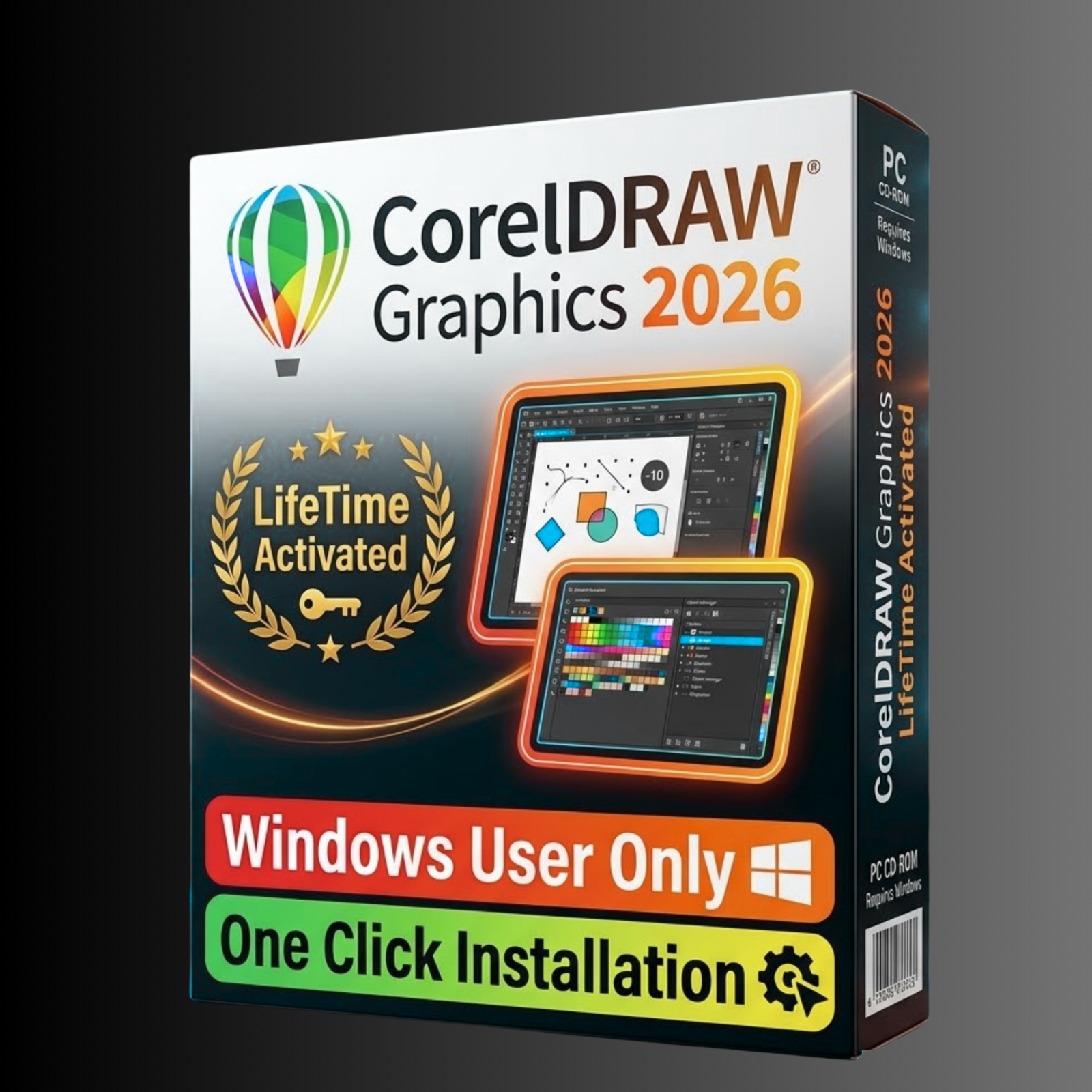
CorelDRAW Graphics Suite 2026 — Professional Graphic Design Software for Windows
CorelDRAW Graphics Suite 2026 is the complete professional toolkit for designers who create logos, brochures, illustrations, and marketing materials. It combines four powerful applications in a single suite — giving you everything from vector drawing to photo editing under one roof. This is a genuine lifetime-activated setup with no monthly fees and no subscription.
Designers at every level use this suite to produce high-quality results quickly. Beginners benefit from the guided workspace and ready-made templates. Experienced professionals rely on the precise vector tools and full print production controls. Both get a product that works from the first day and keeps working permanently.
What Is CorelDRAW Graphics Suite 2026?
CorelDRAW Graphics Suite 2026 is a Windows-based design suite from Corel Corporation. The package includes four applications that work together: CorelDRAW for vector illustration and page layout, Corel PHOTO-PAINT for photo editing and digital painting, Corel Font Manager for typography management, and Corel CAPTURE for screen capture. Version 2026 adds expanded Windows 11 support, 4K monitor compatibility, and multi-display workflow improvements.
The suite covers the full range of design work — from a single logo to a multi-page product catalogue. Professional studios use it for print, branding, signage, packaging, and web graphics. Freelancers rely on it for client projects without the cost of recurring subscription software.
CorelDRAW Graphics Suite 2026 — Included Applications
Every copy includes all four applications fully activated for lifetime use. CorelDRAW handles vector illustration, page layout, logo design, and typographic work. Corel PHOTO-PAINT provides a complete photo editing environment with layer support, AI background removal, and RAW file processing. Corel Font Manager lets you browse, preview, activate, and organise fonts without restarting Windows. Corel CAPTURE rounds out the suite with a built-in screen capture tool for documentation and reference work.
Vector Design and Illustration Tools
The core of CorelDRAW is its vector engine. Bézier and pen tools give precise control over every node and curve. The LiveSketch tool converts freehand strokes into clean vector paths automatically. Symmetry drawing mode creates balanced, mirrored designs in half the time. Freehand tools support pressure sensitivity for Wacom tablets and Surface Pro styluses.
Object styles keep branding consistent across an entire project. The Object Manager panel provides a full layer and object hierarchy view. Smart alignment tools and dynamic guides position every element with pixel-level accuracy. The infinite canvas means layout size is never a limitation during the creative process.
Page Layout and Print Design
CorelDRAW handles multi-page documents natively — brochures, catalogues, books, and annual reports all work within a single file. Bleed, margin, and crop mark controls follow commercial print standards. The preflight tool catches errors before the file goes to press. PDF/X export produces print-ready files that meet professional printer requirements.
Print merge supports variable data printing for personalised marketing materials. Color separations preview and overprint controls are built in for CMYK press work. Imposition tools handle page arrangement for booklet and signature printing. These features make the suite a practical choice for anyone producing work that goes to commercial print.
Photo Editing with Corel PHOTO-PAINT 2026
Corel PHOTO-PAINT provides a full layer-based photo editing environment. Non-destructive adjustments apply changes that can be modified or removed at any time. RAW file support covers over 300 camera models including Canon CR2, Nikon NEF, Sony ARW, and Adobe DNG formats. The histogram panel monitors exposure levels throughout the editing process.
AI tools in PHOTO-PAINT handle tasks that previously took many manual steps. Background removal works in one click using machine learning edge detection. AI upscaling enlarges photos without introducing visible pixelation. AI noise reduction cleans up low-light images automatically. These tools save significant time on retouching and production work.
The brush library includes over 100 natural media options — oil paint, watercolour, chalk, and charcoal styles that respond to stylus pressure. Masks and selections use freehand, magic wand, colour range, and alpha channel methods. Healing brush and clone tools remove unwanted elements cleanly. Batch processing handles multiple image exports in a single operation.
Typography and Font Management
Typography tools in CorelDRAW 2026 go well beyond basic text placement. OpenType font support gives access to advanced glyphs, ligatures, and alternate characters. The Font Manager application previews any font before activation — installed or not. Text flows along custom paths with full curve control and adjustable spacing. Variable font support allows dynamic changes to weight, width, and optical size within a single font file.
The Insert Symbol docker displays every character, symbol, and glyph associated with the active font. Paragraph text frames link together so copy flows automatically from one frame to the next. Find and replace text works across the entire document at once. Google Fonts integration in Font Manager provides access to a wide library of web-ready typefaces.
Colour, Fill, and Effects
The fill engine covers fountain fills in linear, radial, conical, and square modes. Mesh fill blends colours across an object surface to simulate photorealistic shading. Pattern fills include vector, bitmap, and two-colour types. The transparency and lens tools stack effects in layers without destructive changes to the underlying artwork.
Effects include drop shadow, contour, blend, extrude, perspective distortion, and the envelope tool for freeform warping. PowerClip places any image inside a vector shape as a clipping mask. Lens effects offer fisheye, magnify, colour tint, and heat map filters. Pantone, CMYK, RGB, and HKS colour models are all supported for accurate colour specification.
Export, File Formats, and Compatibility
CorelDRAW 2026 imports and exports a wide range of professional file formats. Export options cover SVG, PDF, EPS, AI, PNG, JPEG, TIFF, GIF, and WebP. The suite imports Adobe Illustrator AI files, Photoshop PSD, AutoCAD DXF and DWG, and standard PDF. One-click export presets handle web, print, and social media output dimensions automatically.
The native CDR format preserves all vector data, effects, and layers at full quality. Batch export processes multiple documents or pages simultaneously. PowerPoint PPTX export transfers CorelDRAW designs directly into presentation files. These format options make collaboration straightforward with clients and print vendors who use different software.
CorelDRAW Graphics Suite 2026 — System Requirements
Minimum configuration:
- OS: Windows 10 (64-bit) or Windows 11 (64-bit)
- Processor: Intel Core i3 or AMD equivalent at 2 GHz or faster
- RAM: 8 GB
- Storage: 10 GB free disk space
- Display: 1280 × 720 resolution minimum
- GPU: OpenGL 3.3 compatible graphics card
- Internet: Required for activation only (one-time)
Recommended configuration:
- Processor: Intel Core i5 / i7 or AMD Ryzen 5 / 7
- RAM: 16 GB or more
- Storage: SSD with 15 GB free space
- Display: 1920 × 1080 or higher — 4K monitor supported
- GPU: 2 GB VRAM or more, OpenGL 4.1 compatible
For large print projects and complex multi-page documents, 32 GB RAM delivers the smoothest performance. A dedicated GPU with 4 GB VRAM enables GPU-accelerated rendering for demanding work.
Why Choose CorelDRAW Graphics Suite 2026?
The main advantage is permanent ownership. A one-time payment covers the full suite forever — no annual renewal, no subscription cancellation, no price increase at renewal. The software works offline after the initial activation. Access to all tools remains completely intact years from now without any additional cost.
Every copy sold on ByDigitalTreasures.in is personally tested before listing. The setup runs cleanly on Windows 10 and Windows 11 without errors. Activation completes in minutes through a straightforward online process. Customers receive 24/7 support via Telegram for installation guidance and troubleshooting.
Compared to subscription-only alternatives, the cost saving over three to five years is significant. Designers who need reliable professional tools for client work benefit most — the software performs consistently without expiry notices or forced upgrades. Instant digital delivery means setup files are available in My Account immediately after payment.
Who Is CorelDRAW Graphics Suite 2026 For?
Freelance graphic designers use it daily for logo creation, brand identity packages, social media graphics, and print materials. Marketing teams produce brochures, flyers, event posters, and trade show displays. Small businesses handle all their design needs in-house without outsourcing. Print shops use the professional colour management and PDF/X output for press-ready production files.
Illustrators work with the vector and natural media tools to create editorial artwork, book covers, and character designs. Web designers produce scalable SVG assets and icon sets. Photographers use Corel PHOTO-PAINT for retouching alongside the vector tools in CorelDRAW. The suite genuinely covers multiple design disciplines in a single affordable package.
Complete Workflow Integration
All four applications share assets, colour palettes, and file formats seamlessly. A vector object created in CorelDRAW opens directly in PHOTO-PAINT for raster effects. Fonts previewed in Font Manager are immediately available in CorelDRAW without restarting. The Content Center provides access to 1,000+ templates, clipart, and vector objects within the application. This integrated workflow reduces the time spent switching between tools and managing assets across separate applications.
Authority Sources and Resources
Learn more about CorelDRAW from these trusted resources:
- CorelDRAW Official Website — Official product information and documentation from Corel Corporation
- CorelDRAW Learning Centre — Official tutorials, video guides, and getting-started resources
- CorelDRAW on Wikipedia — History, version timeline, and technical background
- CorelDRAW Official YouTube Channel — Feature walkthroughs and tutorial videos from Corel
- AIGA — Professional Graphic Design Standards — Industry body for professional graphic design practice
Frequently Asked Questions About CorelDRAW Graphics Suite 2026
Q: What is the best graphic design software for Windows with lifetime activation?
A: CorelDRAW Graphics Suite 2026 is one of the strongest options available for Windows users who want professional design tools without a recurring subscription. It covers vector illustration, page layout, photo editing, and font management in a single suite. Lifetime activation means you pay once and own the software permanently — no annual renewal fees, no subscription cancellations, no forced cloud dependency. The suite works on Windows 10 and Windows 11 with full 4K monitor support, and the tools scale from basic logo work to complex multi-page print projects.
Q: Is CorelDRAW an affordable alternative to subscription-based design software?
A: Yes — CorelDRAW Graphics Suite 2026 at ByDigitalTreasures.in is priced as a one-time payment with no monthly or annual fee. Subscription-based design tools charge every year indefinitely, which adds up significantly over time. With CorelDRAW, you pay once and retain full access to all tools permanently. There are no feature locks, no account login requirements after activation, and no risk of losing access because a payment failed. For freelancers and small businesses managing design budgets, this is a practical long-term saving.
Q: Can I use CorelDRAW Graphics Suite for small business logos and print materials?
A: Absolutely. CorelDRAW is used widely by small businesses for exactly this purpose. The vector engine handles logo design with scalable output in every format a printer or web developer might request — SVG, EPS, PDF, AI, and PNG. Page layout tools cover brochures, flyers, business cards, letterheads, and signage. Print-ready PDF/X export and CMYK colour management mean files go straight to commercial printers without revision. The multi-page document feature handles catalogues and booklets without needing separate software for layout work.
Q: How does CorelDRAW compare to Adobe Illustrator for beginners?
A: CorelDRAW has a shallower learning curve for most beginners. The interface is more configurable — you can choose a Simplified workspace that shows only the tools you actually use. Multiple pre-designed workspace layouts, including options that mirror Adobe software layouts, help users transitioning from other tools. The Font Application docker and guided alignment tools reduce the time it takes to produce professional-looking results early on. Adobe Illustrator requires a subscription; CorelDRAW 2026 is a one-time purchase. For cost-conscious beginners starting out in professional design, CorelDRAW offers more immediate value.
Q: Does CorelDRAW Graphics Suite 2026 work on Windows 10 and Windows 11?
A: Yes — CorelDRAW Graphics Suite 2026 is fully compatible with Windows 10 (64-bit) and Windows 11 (64-bit). Version 2026 specifically added expanded Windows 11 support, improved multi-display handling, and 4K monitor compatibility. The minimum requirement is an Intel Core i3 or AMD equivalent processor with 8 GB RAM and 10 GB free storage. For the best performance on complex projects, a Core i5 or Ryzen 5 processor with 16 GB RAM and an SSD is recommended. No Mac version is included — this is a Windows-only setup.
Q: How long does delivery take?
A: Delivery is instant. Setup files are available immediately after payment in My Account → Downloads. No waiting, no shipping, no physical disc. You can begin installation within minutes of completing your order.
Q: How do I get support after purchase?
A: Contact the ByDigitalTreasures.in support team 24/7 via Telegram at t.me/ByDigitalTreasuresHelp. Support covers installation guidance, activation steps, and troubleshooting. WhatsApp and email support are also available. Installation video guidance is included with every purchase to walk you through the setup process step by step.
Q: Is this a genuine copy of CorelDRAW Graphics Suite 2026?
A: Yes — every product on ByDigitalTreasures.in is personally tested by our team before listing. This is not a trial version. It is a complete lifetime version with full functionality from day one. Genuine lifetime-activated setup files only. 100% working guaranteed. We stand behind every product we sell.
Digital delivery only — no physical disc or box included.
✅ Genuine Lifetime Activation — No monthly fees
✅ Works on Windows 10 and Windows 11 (64-bit)
✅ 24/7 Support via Telegram: t.me/ByDigitalTreasuresHelp
⚡ Instant Digital Delivery — Setup files in My Account → Downloads after payment
💳 One-time payment — own it forever, no subscriptions
Trusted by customers in 28+ countries | 360+ verified Etsy sales | 4.5★ rated
Visit: bydigitaltreasures.in
Reviews
There are no reviews yet.